

Meet 8 Talented Book Cover Designers in Australia
In the literary landscape, a book is often judged by its cover, making the role of a cover designer crucial in a book’s success. Nestled in the vibrant and diverse terrain of Australia, a plethora of talented book cover designers are crafting visual masterpieces that captivate readers and perfectly encapsulate the essence of a story.
From the bustling creative hubs of Sydney and Melbourne to the serene landscapes of Adelaide, we’ve scoured the continent to bring you a listicle of the top book cover designers in Australia, each with a unique flair and a passion for turning literary visions into visual art.
1. Peter Long
Based in Melbourne, Peter Long stands out as an award-winning book cover designer with a rich portfolio, showcasing his extensive experience in the industry. Specializing in non-fiction genres such as memoir, biography, and history, Peter has designed captivating covers for renowned publishing houses including HarperCollins, Macmillan, and Penguin Random House. His approach is collaborative, seeking to understand the author’s vision and create compelling and distinctive designs that make each title pop on the shelf or screen. Peter’s work is not only visually striking but also embodies a delicate touch and understanding, as evidenced by the positive reviews from authors who have had the pleasure of working with him.



2. Mike Ellott
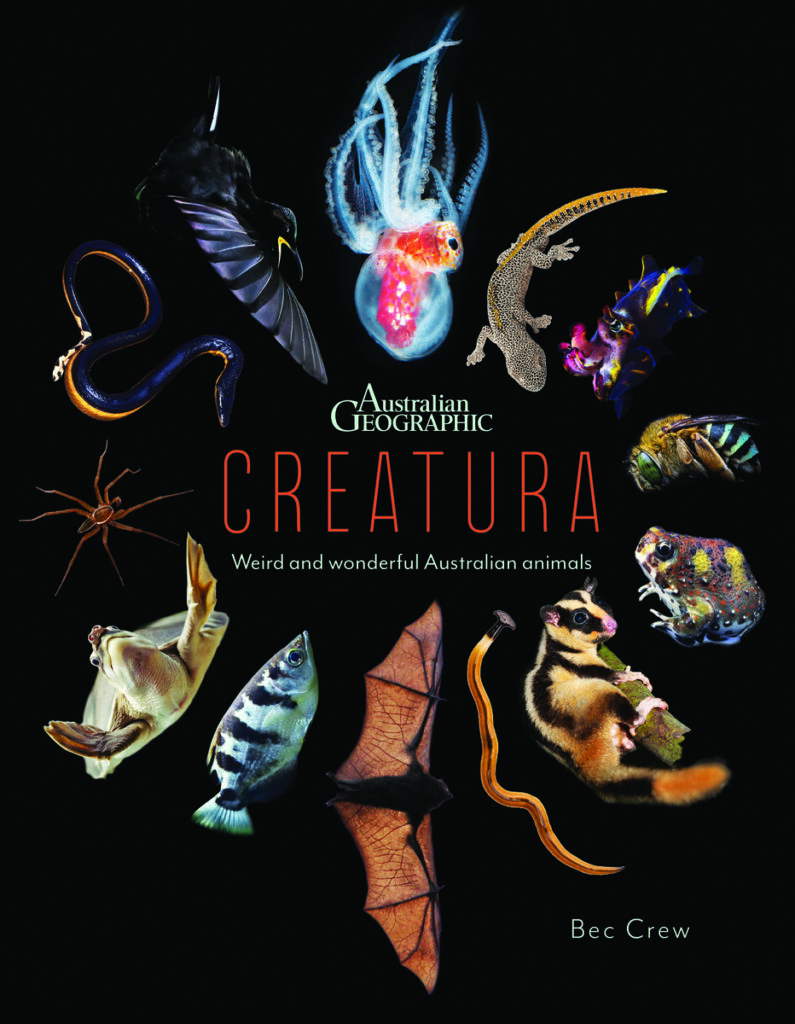
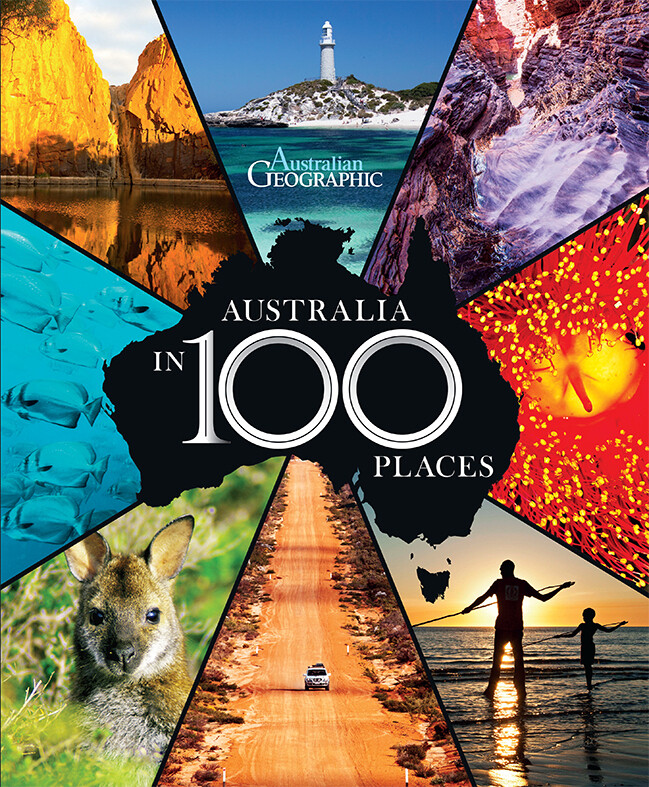
Based in Sydney, Mike Ellott brings over 25 years of experience in editorial and book publishing design, showcasing his creative prowess. Formerly the Creative Director at Australian Geographic, Mike has collaborated with world-leading photographers and illustrators, specializing in designing books that reflect Science, Travel, Nature, and Adventure. His designs are known for their clean, creative, and modern results, allowing the content to shine and creating books with lasting impact. Now working independently, Mike is eager to embrace new challenges and expand his impressive body of work, continuing to produce commercial books that stand the test of time.

3. Julia Kuris
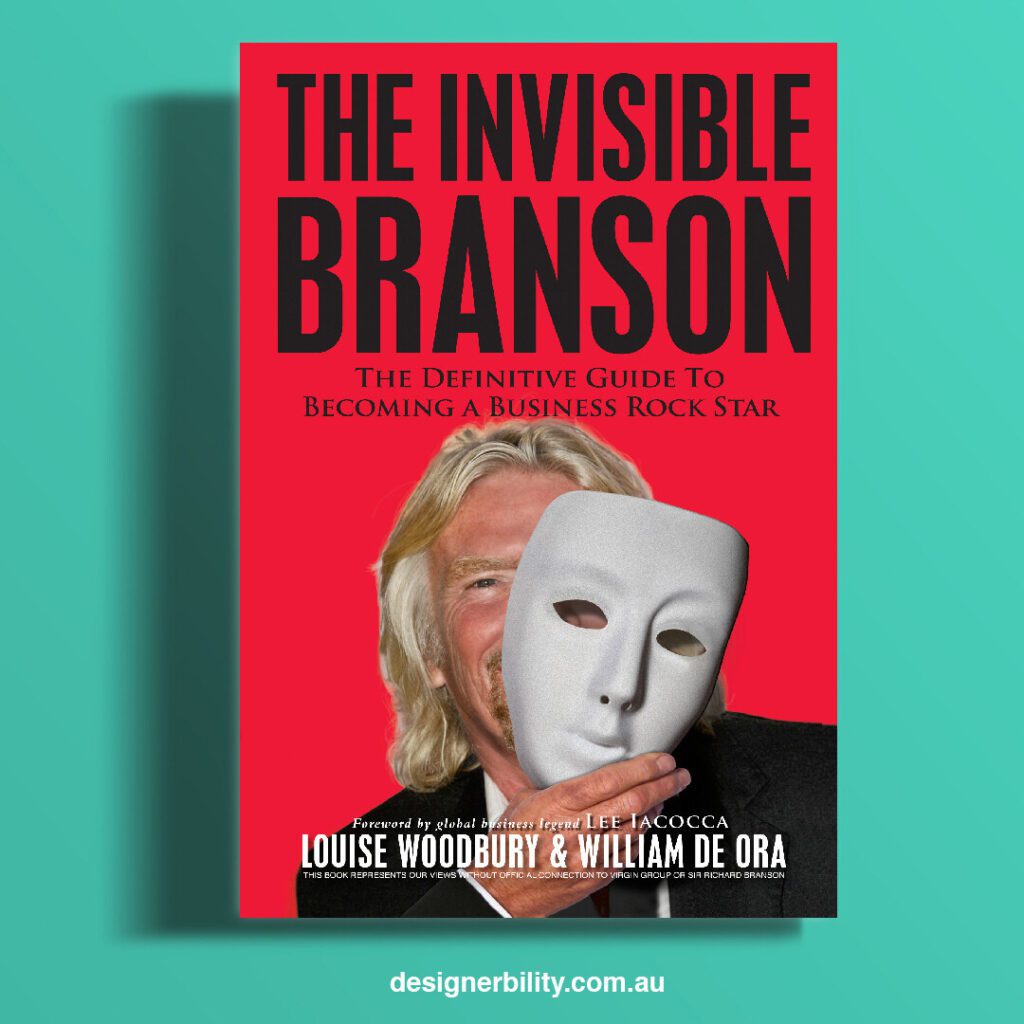
Situated in Sydney, Julia Kuris is a distinguished designer specializing in creating bold, colorful, and impactful book covers that not only showcase but also sell. With over 15 years of experience, Julia has had the privilege of designing covers for some of Australia’s leading authors and entrepreneurs, both in fiction and nonfiction. Her designs are not just show-worthy but are meticulously crafted to connect with readers and generate sales, both online and in stores. Julia’s expertise lies in bringing book titles to life, capturing the essence of the author’s powerful message, and helping them share their important message with the world.


4. Matthew Revert
Hailing from Melbourne, Matthew Revert is a passionate graphic designer with a remarkable portfolio of over 600 book cover designs, spanning various genres and styles. With a decade of experience, Matthew has collaborated with notable clients, including Jeff VanderMeer and renowned presses such as Dzanc Books. He approaches each project as a unique canvas, aiming to create a piece of art that resonates beyond its genre and stands out in a crowded marketplace. Matthew’s designs are not only visually compelling but also serve as a powerful vehicle to drive interest and sales, making him a sought-after designer in the literary world.

5. Dani Lurie
Dani Lurie, based in Perth, WA, is a seasoned designer and art director specializing in award-winning children’s books, with over a decade of experience in the publishing industry. Dani has a rich background, having worked for traditional publishing houses and renowned brands, including Jurassic World and My Little Pony. She prides herself on her ability to balance marketability with artistry, creating eye-catching book covers that resonate with readers. Dani’s approach is characterized by patience, respect, and a deep understanding of the author’s vision, making her a valuable asset for those looking to bring their stories to life through compelling design.



6. Shirley Tran
Shirley Tran, located in Sydney, NSW, is a versatile Book and Marketing Designer with over seven years of experience across various genres. Shirley has a knack for translating authors’ visions into visually appealing and marketable book covers, especially excelling in the realm of illustrated and children’s books. Her design style is meticulous, with a high attention to detail, ensuring each cover is not only aesthetically pleasing but also resonates with the target audience. In addition to book design, Shirley is adept at creating eye-catching marketing collateral, helping authors effectively reach their audience and maximize the impact of their work.
7. Kim Dingwall
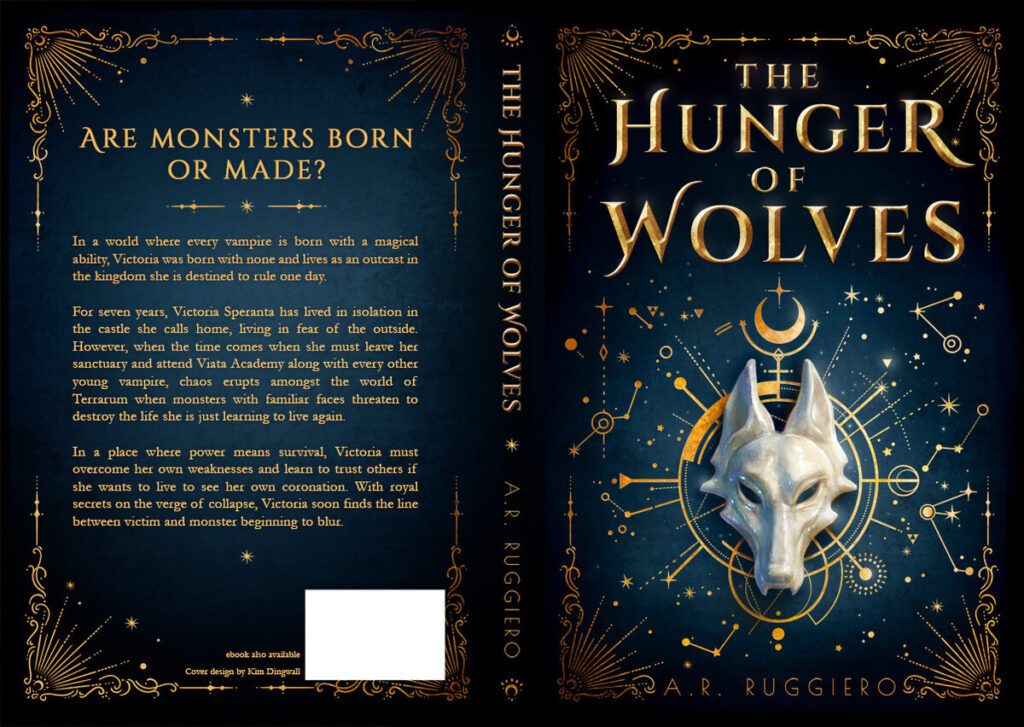
Kim Dingwall, residing in Melbourne, VIC, is a highly experienced illustrator and graphic designer, specializing in the fantasy genre, with a portfolio boasting over 100 captivating book covers. With a unique approach to design, Kim immerses herself in the manuscript to truly understand the essence of the story and its characters, ensuring a personalized and thoughtful design process. Her 17 years of freelance experience have seen her collaborate with both authors and major publishers, creating visually stunning and genre-resonating covers. Kim’s dedication to her craft and her ability to bring stories to life through her designs make her a standout choice for authors.



8. Joshua Griffin
Joshua Griffin, based in Melbourne, VIC, is a talented Illustrator and Cover Designer with a specialization in Fantasy and Sci-Fi genres. With a unique approach of reading manuscripts to deeply understand the characters, Joshua creates stunning, character-centric covers, particularly for Urban Fantasy, Epic Fantasy, Dystopian, and Young Adult Fantasy. He is dedicated to capturing the essence of a character and their world, translating the narrative visually to create beautiful and lasting art. Joshua’s comprehensive services, including illustration, cover design, exterior typography, and promotional images, along with his commitment to authenticity and quality, make him a notable choice for authors seeking impactful cover designs.

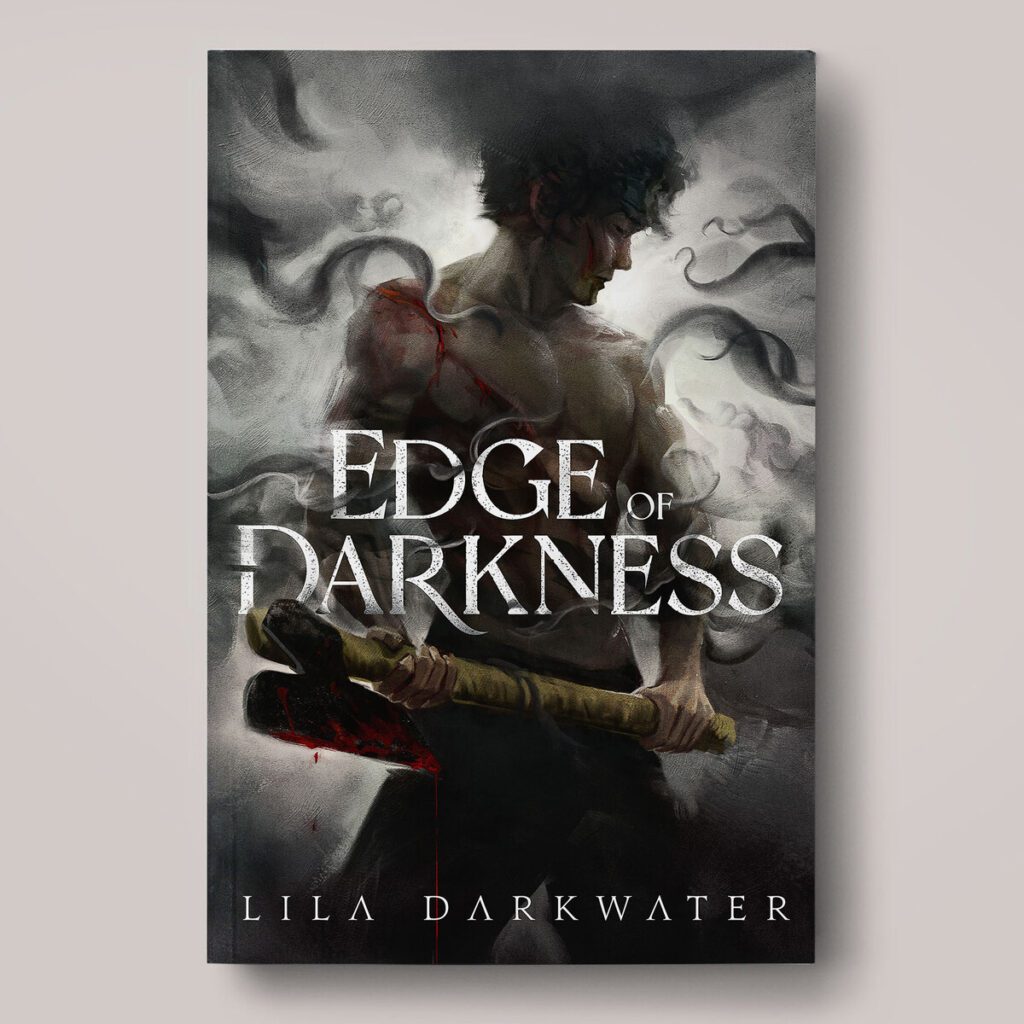
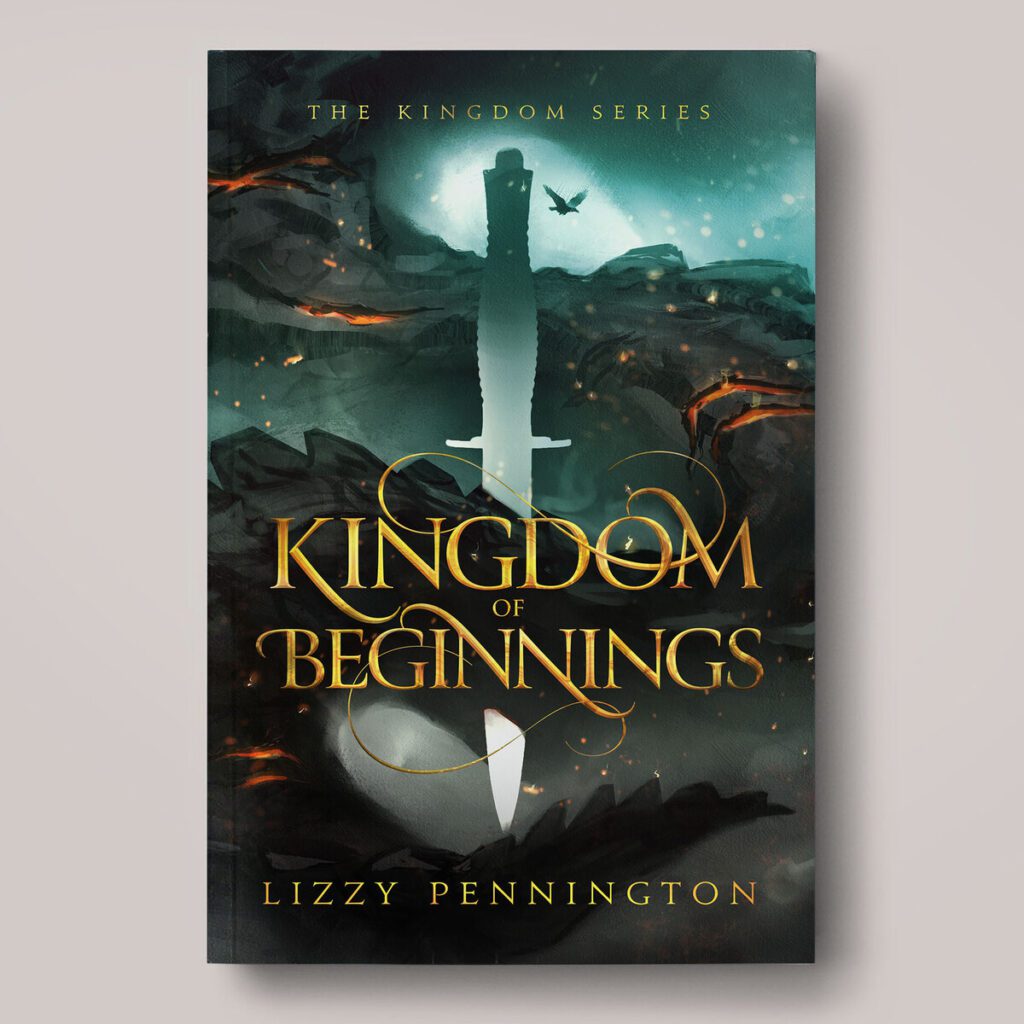
Exploring the artistic realms of these top book cover designers in Australia unveils a world where every stroke, color, and element tells a story, inviting readers into the literary journey within. As you turn the pages of your next Australian literary masterpiece, take a moment to appreciate the creative brilliance that encapsulates the essence of the narrative, thanks to the unparalleled talents of these designers.